
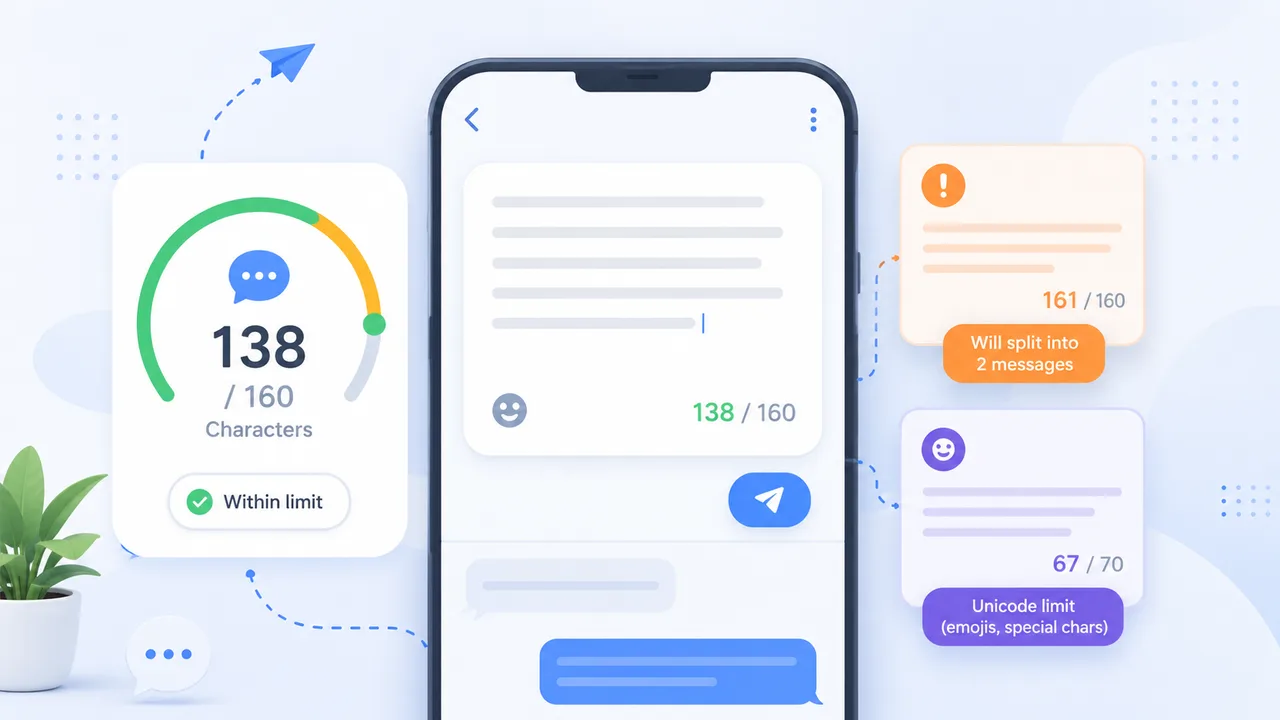
The key facts at a glance
- Standard SMS (GSM-7): up to 160 characters per message
- Multipart GSM-7: 153 characters per segment
- Unicode / UCS-2 (emojis, non-Latin): up to 70 characters per message
- Multipart Unicode: 67 characters per segment
- Spaces, punctuation, and line breaks all count toward the limit
- Emojis and special characters may switch the entire message to Unicode encoding
- SMS platforms generally bill by segment — not by message
The SMS character limit is 160 characters for standard plain-text messages. Exceed that, or include an emoji, and your message may split into multiple segments — each billed separately by most SMS platforms.
This guide explains the SMS character limit, why it exists, how GSM-7 and Unicode encoding affect it, and how to use an SMS segment calculator approach to check your drafts before sending.
Quick Answer: SMS Character Limits
| Encoding | Single message | Per segment (multipart) |
|---|---|---|
| GSM-7 (plain text) | 160 characters | 153 characters |
| Unicode / UCS-2 (emojis, non-Latin) | 70 characters | 67 characters |
Key facts:
- Spaces, punctuation, and line breaks count toward the limit
- Adding one emoji may switch your entire message to Unicode encoding
- SMS platforms generally bill per segment, not per message
- Limits apply to the SMS protocol — WhatsApp, iMessage, and RCS are different
What Is the Standard SMS Character Limit?
The standard SMS character limit is 160 characters. This applies to messages written in plain text using GSM-7 encoding — the default encoding for most everyday English-language text messages.
The 160-character limit is set at the protocol level. It was defined when SMS was designed as part of the GSM mobile standard in the 1980s and remains a fundamental constraint of how SMS works — not a platform-specific rule. It applies whether you are sending from a personal phone, a business SMS platform, or an automated alert system.
This limit matters most for:
- Marketing and promotional SMS — where cost and deliverability depend on segment count
- Automated reminders and alerts — where message format needs to be consistent
- Customer service texts — where split messages can appear unprofessional
- Two-factor authentication codes — where brevity and clarity are essential
GSM-7 vs Unicode: Why Emojis Change Your Limit
SMS messages use one of two character encodings. Which encoding is applied depends on the characters in your message, and the encoding directly controls how many characters fit per segment.
The 160-Character GSM-7 Limit
GSM-7 is the default SMS encoding. It supports 128 characters: the standard Latin alphabet, digits, and common punctuation. Because each character is stored in 7 bits, a single SMS frame can hold 160 GSM-7 characters.
Characters supported by GSM-7 include: A–Z, a–z, 0–9, spaces, common punctuation (. , ! ? @ # $ %), and a defined set of symbols. Most plain English text stays within GSM-7.
Note on extended GSM-7 characters: Some symbols — including €, [, ], {, }, \, ^, ~, | — are in the GSM-7 extended table and each count as 2 characters rather than 1. Including them shrinks your effective limit.
The 70-Character Unicode Limit
When a message contains any character outside the GSM-7 table — including emojis, smart quotes, non-Latin scripts, or many accented characters — the entire message may switch to Unicode (UCS-2) encoding.
Under UCS-2 encoding:
- The single-message limit drops from 160 to 70 characters
- If the message is multipart, each segment holds 67 characters instead of 153
This is the most common source of unexpected SMS splits. A message that looks like 80 characters in a word processor can arrive as two SMS segments because one emoji or one curly quote changed the encoding for the whole message.
Common Unicode triggers:
- Emojis of any kind 😊 📱 ✅ 🚚
- Smart or curly quotes (
""'') — often inserted automatically by phones and word processors - Non-Latin scripts (Arabic, Chinese, Cyrillic, Hebrew, Korean, Japanese, etc.)
- Accented characters outside the GSM-7 table (varies by character)
- Some symbols not in the standard GSM-7 set
How Multipart SMS Segments Work
When a message exceeds the single-message limit (160 GSM-7 characters or 70 Unicode characters), it is sent as a concatenated SMS — multiple linked segments that reassemble into one message on the recipient’s device.
Each segment in a multipart message is slightly shorter than the single-message limit because a small portion of each segment’s capacity is used for a user data header (UDH) — the information that tells the device how to join the parts back together.
| Characters in your message | Encoding | Segments | Characters per segment |
|---|---|---|---|
| 1–160 | GSM-7 | 1 | 160 |
| 161–306 | GSM-7 | 2 | 153 each |
| 307–459 | GSM-7 | 3 | 153 each |
| 1–70 | Unicode | 1 | 70 |
| 71–134 | Unicode | 2 | 67 each |
| 135–201 | Unicode | 3 | 67 each |
Billing: Most SMS platforms bill per segment. A 170-character plain-text message uses 2 segments. A 90-character message with one emoji may use 2 Unicode segments if it exceeds 70 characters. Check your SMS platform’s billing documentation — pricing varies by provider, country, and contract.
Common Mistakes That Increase SMS Costs
1. Pasting from word processors
Word processors automatically convert straight quotes (") to smart quotes (" "). Smart quotes are often outside the GSM-7 character set and may cause your message to switch to Unicode encoding. Paste from a plain text editor or use the TextLimits text cleaner to strip invisible formatting before finalising your copy.
2. Using emojis in campaigns Emojis reduce your per-segment limit from 153 to 67 characters — a 56% reduction. If segment count or cost matters, keep campaigns emoji-free or test character counts carefully before sending at scale.
3. Including long URLs URLs can consume 30–80 characters in one go. Use a link shortener or a custom short domain for SMS campaigns to preserve your character budget.
4. Not removing trailing spaces and line breaks Every space counts. Every line break counts. Trailing whitespace from copy-pasting is easy to miss and can push a message from 1 segment to 2. Use the remove line breaks tool to clean up SMS copy quickly.
5. Filler words Words like “please,” “kindly,” “we wanted to let you know that” add length without adding value. SMS is a direct channel — direct language performs better and costs less. For a full set of editing techniques, see: how to reduce character count.
6. Not testing before sending Always send yourself a test message before a campaign. Check how it arrives on your device, and whether it split into multiple parts.
How to Use TextLimits as an SMS Segment Calculator
The most reliable way to know your exact character count before sending is to paste your draft into a live counter and read the number directly.
Option 1 — Social Media Character Counter The TextLimits social media character counter includes an SMS mode that shows your character count against the 160-character limit in real time. You can see exactly when you cross into a second segment.
Option 2 — Character Counter Paste your SMS into the character counter to see characters with spaces, characters without spaces, words, and live character count — all updating as you type.
Option 3 — Text Cleaner (pre-send cleanup) Before checking your count, paste your draft through the text cleaner to strip smart quotes, extra spaces, and invisible formatting that could silently trigger Unicode encoding.
Your text stays entirely in your browser — nothing is stored or sent to any server.
Practical SMS examples:
Example 1 — Plain text, 1 segment
Your appointment is confirmed for Friday at 10am. Reply STOP to unsubscribe.
75 characters. One segment, GSM-7.
Example 2 — Just over 160 characters (2 segments)
Hi Sarah, your order has shipped and will arrive by Thursday. Tracking: [link]. Reply HELP for support. Reply STOP to unsubscribe.
Adding the reply instructions pushes this to 2 segments. Removing “Hi Sarah” and shortening the link recovers the first segment.
Example 3 — Emoji present, 70-character limit applies
Your order is on the way! 🚚 Track it here: [link]
51 characters — but the 🚚 emoji will typically trigger Unicode encoding, so the 70-character limit applies. This message still fits in one Unicode segment, but there is very little room before it splits.
Example 4 — Clean marketing SMS, 1 segment
Get 20% off this weekend only. Use code SAVE20 at checkout: [link]. Reply STOP to opt out.
90 characters. GSM-7. One segment. No emojis, no smart quotes, no split.
SMS Character Limit FAQ
What is the maximum SMS character limit? For standard GSM-7 plain text, the limit is 160 characters per message. If your message contains emojis, smart quotes, or non-Latin characters, it may switch to Unicode encoding, which reduces the single-message limit to 70 characters. Multipart messages use 153 (GSM-7) or 67 (Unicode) characters per segment.
How many characters are in a multipart SMS segment? A multipart GSM-7 SMS uses 153 characters per segment. A multipart Unicode SMS uses 67 characters per segment. The remaining capacity in each segment is used for the user data header (UDH) — the system metadata that reassembles segments on the recipient’s device.
Do emojis reduce the SMS character limit? Most emojis will cause an SMS to use Unicode/UCS-2 encoding, which drops the single-message limit from 160 to 70 characters and the per-segment limit from 153 to 67 characters. Even a single emoji can change the encoding for the entire message — so if segment count matters, check your character count carefully before sending.
What is GSM-7 encoding?
GSM-7 is the default SMS character encoding, supporting 128 characters (the Latin alphabet, digits, and standard punctuation) at 7 bits per character. This allows exactly 160 characters in a single SMS frame. Most plain English text uses GSM-7. Some extended GSM-7 characters (like €) count as 2 characters.
What is Unicode / UCS-2 encoding? Unicode (UCS-2) is an SMS encoding that supports a much wider character set — including emojis, non-Latin scripts, and thousands of symbols. Each character is stored in 16 bits rather than 7, which reduces the single-message capacity to 70 characters. It is applied when a message contains a character outside the GSM-7 table, though exact behavior can vary by platform and SMS provider.
Do spaces count in SMS? Yes. Every space counts as one character. Line breaks also count as one character. Trailing spaces and unnecessary blank lines add to your count and can push a message into an additional segment. For more detail, see: Do Spaces Count as Characters?
Why did my short text message split into two? The most common reason is that the message contained a character that triggered Unicode encoding — such as an emoji, a smart quote, or a character copied from a word processor. Under Unicode, the limit drops to 70 characters. A message that looks like 80 characters can arrive as two segments. Check your character count and look for hidden Unicode triggers before sending.
How are SMS messages billed? Most SMS platforms bill per segment, not per message. A 2-segment message generally costs twice as much to send as a 1-segment message. Exact billing depends on your platform, country, carrier, and contract terms. Check your provider’s documentation for accurate pricing — TextLimits does not calculate billing costs.
Can SMS character limits vary by carrier or platform? The GSM-7 and Unicode limits (160 and 70 characters) are set at the SMS protocol level and apply broadly across carriers. However, some platforms or carriers may apply additional restrictions, handle concatenation differently, or support features like RCS (Rich Communication Services) which has different limits. Always test with your specific SMS provider before sending at scale.
Is SMS the same as WhatsApp or iMessage? No. SMS (Short Message Service) is a mobile network standard that works without internet access and has the 160-character limit described above. WhatsApp, iMessage, and similar apps are internet-based messaging services with much higher or no practical character limits. The SMS character limit only applies to SMS messages sent over mobile networks.
Try it free
Check SMS character count free
Paste your SMS draft into the TextLimits social media counter to see your character count and avoid split messages.
Check SMS character count free →