
The key facts at a glance
- Yes — spaces usually count as characters on most platforms and in most forms
- Punctuation marks (commas, periods, dashes) usually count as characters too
- Line breaks generally count as one character each
- Some tools and platforms show both 'with spaces' and 'without spaces' counts
- Always check the specific rules of the form or platform you are using
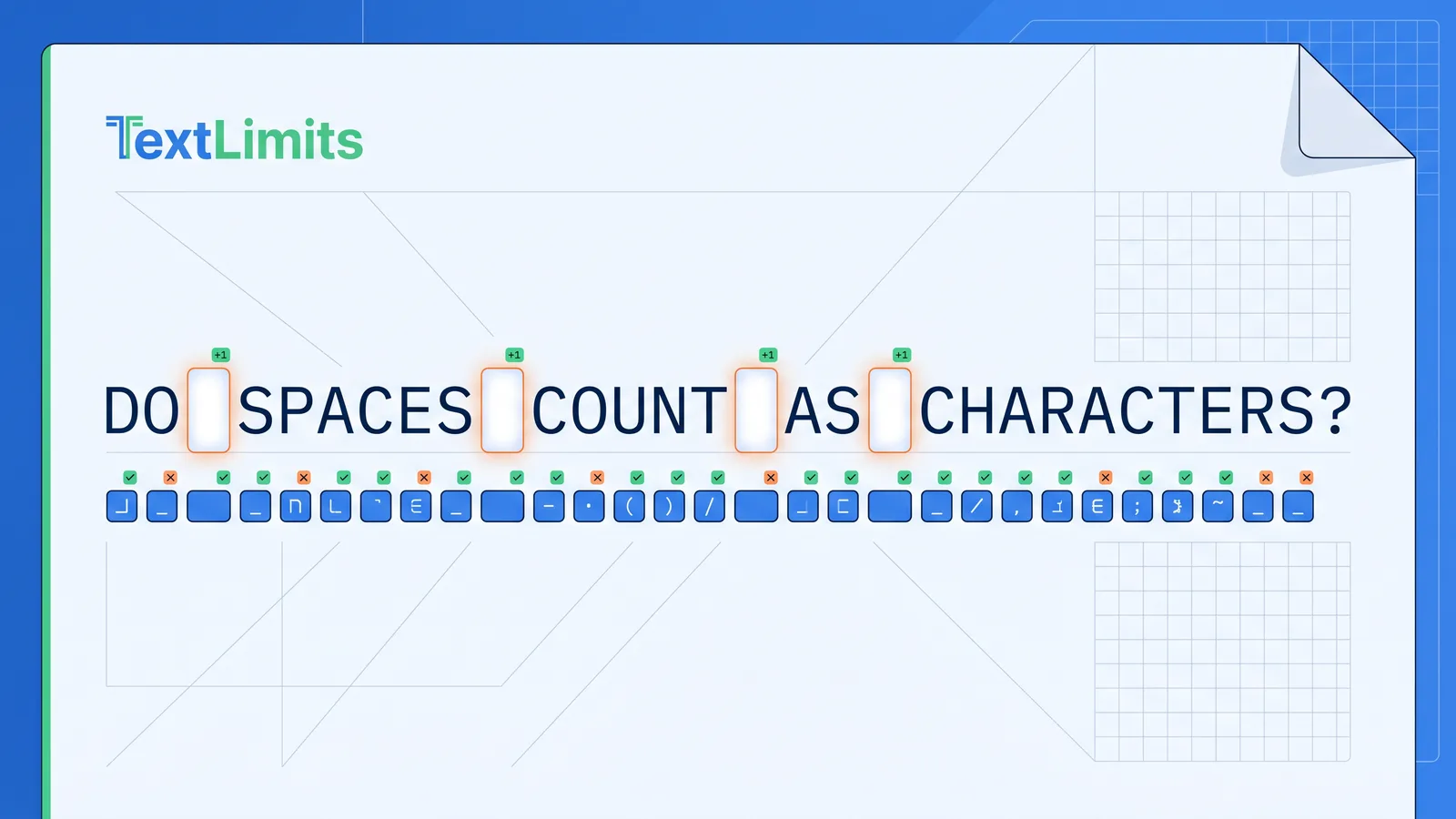
Do spaces count as characters? In most everyday platforms and character limits, yes — spaces count as characters. Every space between your words is counted as one character toward your limit, just like any letter or punctuation mark.
Social posts, SMS messages, online application forms, academic submissions, bios, and SEO meta descriptions all have limits where spaces consume part of your character budget. A post that looks short can be closer to the limit than expected once spaces are included. For a broader overview of everything that counts, see What Counts as a Character?
Quick Answer: Spaces, Punctuation, and Line Breaks
| Element | Usually counts? | Notes |
|---|---|---|
| Spaces between words | Yes | Each space = 1 character in most contexts |
| Punctuation (.,!?—) | Yes | Each mark = 1 character |
| Line breaks (Enter/Return) | Usually yes | Typically 1 character; varies by platform |
| Emojis | Varies | May count as 1 or more depending on platform/encoding |
Key facts:
- Most platforms and form fields count every character including spaces
- Some contexts — academic abstracts, grant applications — specify “excluding spaces”
- TextLimits shows both “characters with spaces” and “characters without spaces” simultaneously
- When in doubt, paste your draft into a character counter and read the number directly
Characters With Spaces vs. Characters Without Spaces
These are two different ways of measuring text length — and they produce different numbers.
Characters with spaces counts every character: letters, numbers, punctuation, and spaces. This is the standard measurement used by most platforms, tools, and form limits.
Characters without spaces counts only visible characters — letters, numbers, and punctuation — and ignores all whitespace. This produces a smaller number for the same text.
Example:
| Text | With spaces | Without spaces |
|---|---|---|
I love writing. | 15 characters | 13 characters |
Do spaces count as characters? | 30 characters | 26 characters |
The two characters excluded from the “without spaces” count in I love writing. are the space between “I” and “love” and the space between “love” and “writing.” Everything else — the letters and the period — counts in both measurements.
When Are Characters Without Spaces Used?
Most platforms use characters with spaces, but there are contexts where “characters without spaces” is the specified measurement:
- Academic abstracts — journals and conference submissions sometimes specify a character limit “excluding spaces”
- Grant and funding applications — institutional grant forms may state character limits without spaces explicitly
- University submission forms — some universities use this metric for abstract and summary fields
- Regulatory and legal submissions — some formal systems specify the measurement to remove ambiguity
If a form or submission guideline does not specify, assume characters with spaces is intended. When in doubt, check your actual draft against both counts.
For a full guide to what counts and what does not in a without-spaces limit, see: Character Count Without Spaces
Visual Examples: How Much Space Do Spaces Take?
More than you might expect. Here is how spaces consume your character budget in practice.
Short sentence:
I love writing.
- With spaces: 15 characters
- Without spaces: 13 characters
- Spaces used: 2 characters (13% of the total)
A sentence built from short common words:
I do not know if it is the right time to go.
- With spaces: 45 characters
- Spaces: 11 characters — roughly 24% of the total
Short, conversational words create more spaces. The more accessible and plain your writing, the more of your character limit goes to spaces between words.
A 280-character social media post: In typical conversational English, around 15–20% of the total character count in a post will be spaces — roughly 42–56 characters out of 280 going to whitespace rather than visible content.
A 1,000-character limit: A 1,000-character limit with spaces usually holds around 140–200 words in standard English prose. Spaces are a key reason the word count varies — see the full guide on what does 1,000 characters look like for visual examples and verified word counts. For larger limits, see how many words fit into a 4,000-character limit.
Academic “excluding spaces” example: If a journal abstract allows 3,000 characters excluding spaces, you can write significantly more content than a 3,000-character limit that includes spaces. The difference is typically 400–600 characters in a passage of that length — roughly 60–100 additional words of content.
Do Spaces Count on Social Media and Forms?
On most major platforms, yes. The table below reflects how these platforms generally treat spaces and characters.
| Platform | Spaces count? | Notes |
|---|---|---|
| X (formerly Twitter) | Generally yes | 280-character post limit; spaces counted — see X/Twitter character limit |
| Instagram captions | Generally yes | Up to 2,200 characters; spaces counted — see Instagram character limits |
| LinkedIn posts | Generally yes | Up to 3,000 characters; spaces counted — see LinkedIn character limits |
| SMS text messages | Yes | 160-character limit for plain GSM-7; spaces and line breaks count — see SMS character limits |
| SEO meta descriptions | Generally yes | ~155 characters is a common guideline; Google measures display width in pixels, not characters — use character count as an approximation |
| Online forms and applications | Generally yes | Most web form character limits include spaces |
For a full breakdown of character limits by platform, the TextLimits social media character counter shows your character count against each platform’s limit in real time.
Important caveat: Platform limits and counting methods can change. The table above reflects how these platforms commonly work, but the safest approach is to check your actual draft before submitting — especially for anything high-stakes or time-sensitive.
Hidden Characters: Line Breaks, Emojis, and Punctuation
Spaces are the most common hidden consumer of a character limit, but they are not the only one.
Punctuation marks count. Every period, comma, apostrophe, colon, dash, and exclamation mark counts as one character. A heavily punctuated paragraph uses more characters than a lightly punctuated one of the same word count. For a full breakdown — including smart quotes, em dashes, and ellipsis behavior — see Do Punctuation Marks Count as Characters?
Line breaks generally count as one character. Pressing Enter or Return in most text fields inserts a line break character. This typically counts as one character toward your limit, though some platforms and tools handle it as two characters (a carriage return plus a newline). If you are close to a character limit and your text spans multiple paragraphs, removing unnecessary blank lines can recover a few characters.
In TextLimits, the main character count (shown as “Chars”) excludes line breaks for cleaner paste-and-check behaviour. The count including line breaks is available in the expanded details panel. For the full breakdown — including LF vs CRLF and blank-line handling — see Do Line Breaks Count as Characters?
Emojis and special symbols may count differently.
Emojis, non-Latin characters, smart quotes (" " rather than "), and some special symbols may count differently depending on the platform and encoding. On many social platforms, emojis count as one character. In SMS specifically, a single emoji can switch the entire message to Unicode encoding and reduce your per-segment limit from 160 characters to around 70 — see the SMS character limit guide for the full explanation. For a deeper look at skin tones, flags, and combined emojis, see Do Emojis Count as Characters?
The safest rule: never guess when your text contains emojis, special symbols, smart quotes, or multiple line breaks. Paste the actual text into a character counter and read the numbers directly.
How to Check Your Exact Character Count
Estimating character count in your head is unreliable — especially when spaces, punctuation, line breaks, and emojis are all adding up at once.
Use the TextLimits character counter — paste your text and see the exact character count with spaces, character count without spaces, word count, and reading time, all updating live as you type or edit. You can trim your text until it fits the limit you are working within.
If you are writing for a specific platform — LinkedIn, X, Instagram, or SMS — the social media character counter shows your count against the exact limit for each platform simultaneously, so you can see at a glance where you stand before copying and pasting.
Your text stays entirely in your browser. Nothing is stored or sent anywhere.
If you need to reduce text length to fit a strict limit, see: How to Reduce Character Count.
FAQ
Do spaces count as characters? Yes, in most contexts. Most character counters, online forms, and social media platforms treat a normal space as one character, counted the same way as any letter or punctuation mark. Some academic and institutional submission systems specify “characters excluding spaces” — always check the specific rules of the platform or form you are using.
Does character count include spaces? Usually yes. When a platform or form refers to a “character limit,” that limit typically includes spaces. If spaces were excluded, the form would generally specify “characters excluding spaces” or “characters without spaces.” When no qualification is given, assume spaces count.
Do line breaks count as characters? Generally yes. Pressing Enter or Return in a text field inserts a line break character that usually counts toward the total. In most systems this is one character; in some it is two (a carriage return and a newline). If you are close to a limit and your text has multiple paragraphs, removing unnecessary blank lines may recover a small number of characters.
Do punctuation marks count as characters? Yes. Every period, comma, apostrophe, colon, dash, exclamation mark, and other punctuation mark counts as one character in most contexts — the same as any letter or space.
Why do some forms ask for characters without spaces? Academic journals, grant applications, and institutional submission forms sometimes use “characters without spaces” to standardise comparisons across different languages and writing styles (some languages use more spaces than others). If a form specifies “excluding spaces,” use the characters-without-spaces count from your character counter.
Do emojis count as one character? It depends on the platform and encoding. On many social media platforms, emojis count as one or two characters. In SMS, a single emoji can switch the message to Unicode encoding and reduce the per-segment limit from 160 to around 70 characters — a much bigger impact than a simple count of one. Always test with your actual text rather than assuming. See the SMS character limit guide for more detail.
How can I check my exact character count? Paste your text into the TextLimits character counter. The count updates live as you type or paste, and shows both characters with spaces and characters without spaces side by side. For social media specifically, the social media character counter shows your count against the exact limit for each major platform.
Try it free
Check characters with and without spaces
Paste your text into the TextLimits character counter to see characters with spaces, characters without spaces, words, sentences, and reading time — all in one place.
Check characters with and without spaces →