
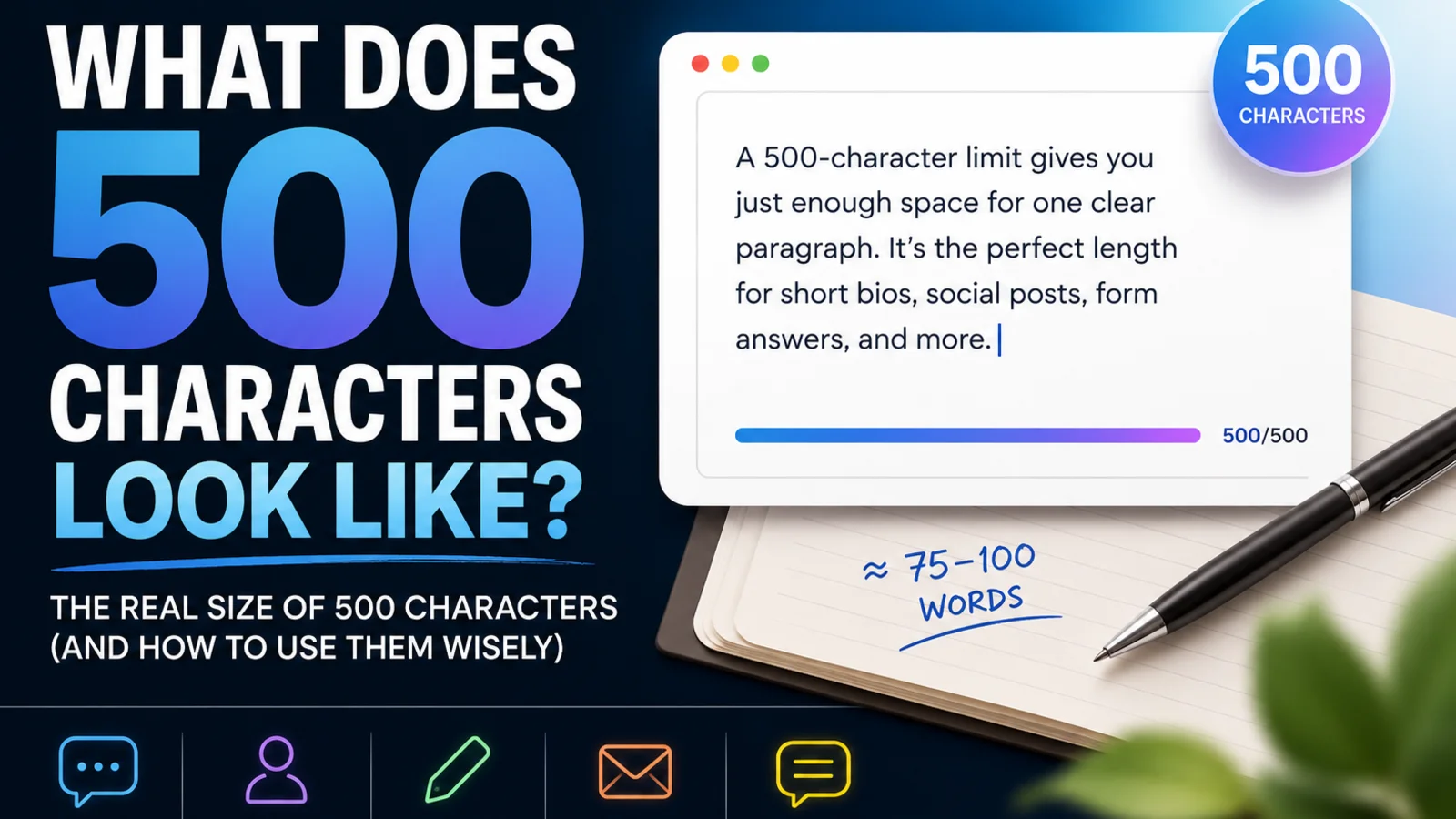
The key facts at a glance
- 500 characters is usually about 75 to 100 words with spaces counted
- Visually, it looks like one medium paragraph or two very short paragraphs
- Spaces, punctuation, and line breaks generally count toward the limit
- Exact word count varies depending on average word length and writing style
- Paste your text into a character counter to get the exact number
What does 500 characters look like? In everyday writing, 500 characters is roughly 75 to 100 words — about one medium paragraph, or two very short ones. Spaces, punctuation, and sometimes line breaks all count, so the exact word count shifts depending on how you write.
This guide shows you a verified 500-character example, a comparison with 250 and 1,000 characters, and a breakdown of what can affect your count before you hit the limit.
Quick Answer: What Does 500 Characters Look Like?
| Approximate words | 75–100 words (with spaces) |
| Visual size | One medium paragraph or two short ones |
| Spaces | Usually counted |
| Punctuation | Always counted |
| Line breaks | Usually counted (one character each) |
| Emojis | Counted — footprint varies by platform |
The clearest way to know your exact count is to paste your text into a character counter and read the live number.
500 Characters Example
The block below is exactly 500 characters including spaces (verified: 500 characters, 75 words).
A 500-character limit gives you room for one clear paragraph, not a full essay. You can explain a simple idea, add one useful detail, and include a short call to action. Spaces, punctuation, and line breaks usually count, so long sentences can use the limit quickly. The safest approach is to draft normally, paste the text into a character counter, then remove filler words until the message fits. This example shows how much text you can write before a form or field reaches 500 characters exactly.
That is one focused paragraph. There is room to make a point and support it briefly — but not much more.
250 vs 500 vs 1,000 Characters
| Characters | Approximate words | Visual feel | Common use |
|---|---|---|---|
| 250 | ~35–45 words | A short note or tagline | Short bios, quick replies, SMS |
| 500 | ~75–100 words | One medium paragraph | Review forms, Threads posts, short descriptions |
| 1,000 | ~150–200 words | Two to three short paragraphs | Application answers, LinkedIn sections, longer bios |
These are estimates for typical English prose with spaces counted. See also: What Does 1,000 Characters Look Like?
250-Character Example
The block below is exactly 250 characters including spaces (verified: 250 characters, 42 words).
A 250-character limit is enough for a short note, brief bio, or simple description. It gives you space for one main point and a small detail, but not much explanation. Count spaces and punctuation too, because they quickly use part of the limit here.
Half the space of 500 characters — enough for one point, but nothing more.
How Many Words Is 500 Characters?
Approximately 75 to 100 words when spaces are counted. The range exists because:
- Short words (like “the”, “is”, “in”) let you fit more words in the same character budget
- Long words (technical terms, compound words) reduce the word count for the same characters
- Punctuation takes up characters without contributing to the word count
- Spaces between words each cost one character from your budget
At typical everyday English, 500 characters with spaces is close to 80 to 85 words. If you write with longer sentences and professional vocabulary, expect fewer. If you use short, punchy words, you can fit closer to 100.
For a related breakdown, see: How Many Words Is 1,000 Characters?
Do Spaces Count in 500 Characters?
Usually yes. Most web forms, social platforms, and feedback fields count every character in your text — including spaces, punctuation, and line breaks.
Spaces are not free. In typical English prose, spaces account for around 15–20% of total characters. In a 500-character limit, that means roughly 75–100 of your characters are just spaces between words. Your actual letter and punctuation content is closer to 400–425 characters.
For a full explanation of when and how spaces count, see: Do Spaces Count as Characters?
If a platform specifies “characters excluding spaces,” the math changes: 500 non-space characters is closer to 580–620 total characters with spaces included.
What Can Affect the Count?
Several things can push you over a 500-character limit without you realising:
Line breaks Each time you press Enter, most platforms count that as one character. Two blank lines between paragraphs cost two characters. If you are close to the limit, removing extra spacing can recover a few characters quickly.
Emojis Emojis count toward most character limits, but their exact footprint varies. On some platforms, a single emoji counts as one character. On others — particularly platforms that use UTF-16 encoding or count Unicode code units — an emoji can count as two characters. Do not assume emojis are always one character. If you are writing near the limit, count with emojis included and check the actual platform.
Punctuation Every comma, period, hyphen, apostrophe, and quotation mark is a character. Punctuation-heavy writing (lists, dashes, quoted text) uses more characters than plain sentences.
Invisible characters Copying text from Word, a PDF, or a website can bring along hidden characters — tabs, non-breaking spaces, or zero-width spaces. These count. If your count looks wrong, pasting your text through the TextLimits text cleaner first removes invisible extras before you recount.
Where You May See a 500-Character Limit
A 500-character limit appears across a variety of platforms and form types. The specific rules can change, so always check the platform’s current documentation if precision matters.
- Threads posts — Meta’s Threads platform uses a 500-character limit per post, making it one of the most common places people encounter this limit
- Pinterest descriptions — pin descriptions have a character limit in the hundreds, and 500 characters is a commonly referenced range for pin text
- Review and feedback forms — product review fields, NPS open-text responses, and customer feedback tools frequently cap answers at 500 characters
- Short bio fields — many app signup flows and community platforms use 500-character bio limits for brevity
- Twitch chat — individual chat messages on Twitch have a character limit; 500 characters is near or at this limit depending on the channel’s settings
- LinkedIn custom modules — some LinkedIn profile sections and custom entry fields have character caps in the hundreds
For checking character limits across social platforms, the social media character counter shows your live count against each platform’s limit.
How to Shorten Text to 500 Characters
If your text is over 500 characters, these steps help you cut it down without losing the core message:
- Cut filler phrases — remove “in order to,” “it is important to note that,” “as mentioned above,” and similar padding
- Shorten long words — replace “utilise” with “use,” “demonstrate” with “show,” “approximately” with “about”
- Remove weak qualifiers — cut “very,” “quite,” “rather,” “somewhat” where they do not add meaning
- Combine sentences — two short sentences with shared context can often merge into one
- Remove restating — if you said it once, you do not need to say it again slightly differently
- Cut the last point — if you are slightly over, cutting the final sentence or detail often gets you under without losing the main message
For a full guide with before-and-after examples, see: How to Reduce Character Count
How to Check 500 Characters Exactly
The most reliable method is to paste your text into a live counter and read the number directly.
Use the TextLimits character counter — paste your text and see the exact character count with spaces, character count without spaces, and word count, all updating live as you type. Your text stays in your browser and is never uploaded or stored.
If you are writing for a specific platform, the social media character counter tracks your character count against each platform’s limit in real time, so you can see at a glance whether you are within the limit before you post.
Practical steps before you submit:
- Write your text in a text editor first
- Paste into the word and character counter to check your count
- Confirm whether the platform counts spaces — if it does not say, assume it does
- Trim until you are comfortably under the limit, then recount
- Remove trailing spaces and empty lines before your final paste
FAQ
How many words is 500 characters? Usually about 75 to 100 words when spaces are counted. The exact number depends on your average word length. Short, common words let you fit more words in the same space. Longer or technical words reduce the total. At typical everyday English, expect around 80 to 85 words.
Does 500 characters include spaces? On most platforms, yes. Most form fields and web platforms count every character in your text including spaces, punctuation, and line breaks. If a platform specifies “characters excluding spaces,” only letters, digits, and punctuation count. When in doubt, assume spaces count. See: Do Spaces Count as Characters?
Is 500 characters one paragraph? Usually yes — one medium paragraph, or two very short ones. The 500-character example above shows what that looks like in practice. It is enough for one clear point with a brief supporting detail, but not enough for a multi-paragraph argument.
How long is 500 characters on social media? It depends on the platform. Threads uses a 500-character limit per post. Other platforms have different limits. Character counting rules also vary — some platforms count emojis differently or handle line breaks in their own way. Use the social media character counter to check the current limit for each platform.
Can emojis affect a 500-character limit? Yes. Emojis count toward most character limits, but their exact footprint varies by platform and encoding. Some platforms count each emoji as one character. Others count certain emojis as two characters due to how they are encoded. Do not assume all emojis cost the same — if you are close to the limit, count with emojis included.
How can I reduce text to 500 characters? Cut filler phrases, shorten long words to simpler equivalents, remove weak qualifiers, and combine related sentences. If you are only slightly over, cutting your last detail or final sentence usually closes the gap. For a step-by-step guide, see: How to Reduce Character Count
What is the fastest way to count 500 characters? Paste your text into the TextLimits character counter. The count updates live as you type or paste, so you can see your exact character total — with and without spaces — immediately. No login, no upload, no waiting.
Try it free
Check your character count free
Paste your text into the TextLimits character counter to see your exact count, including and excluding spaces, updating live as you type.
Check your character count free →