
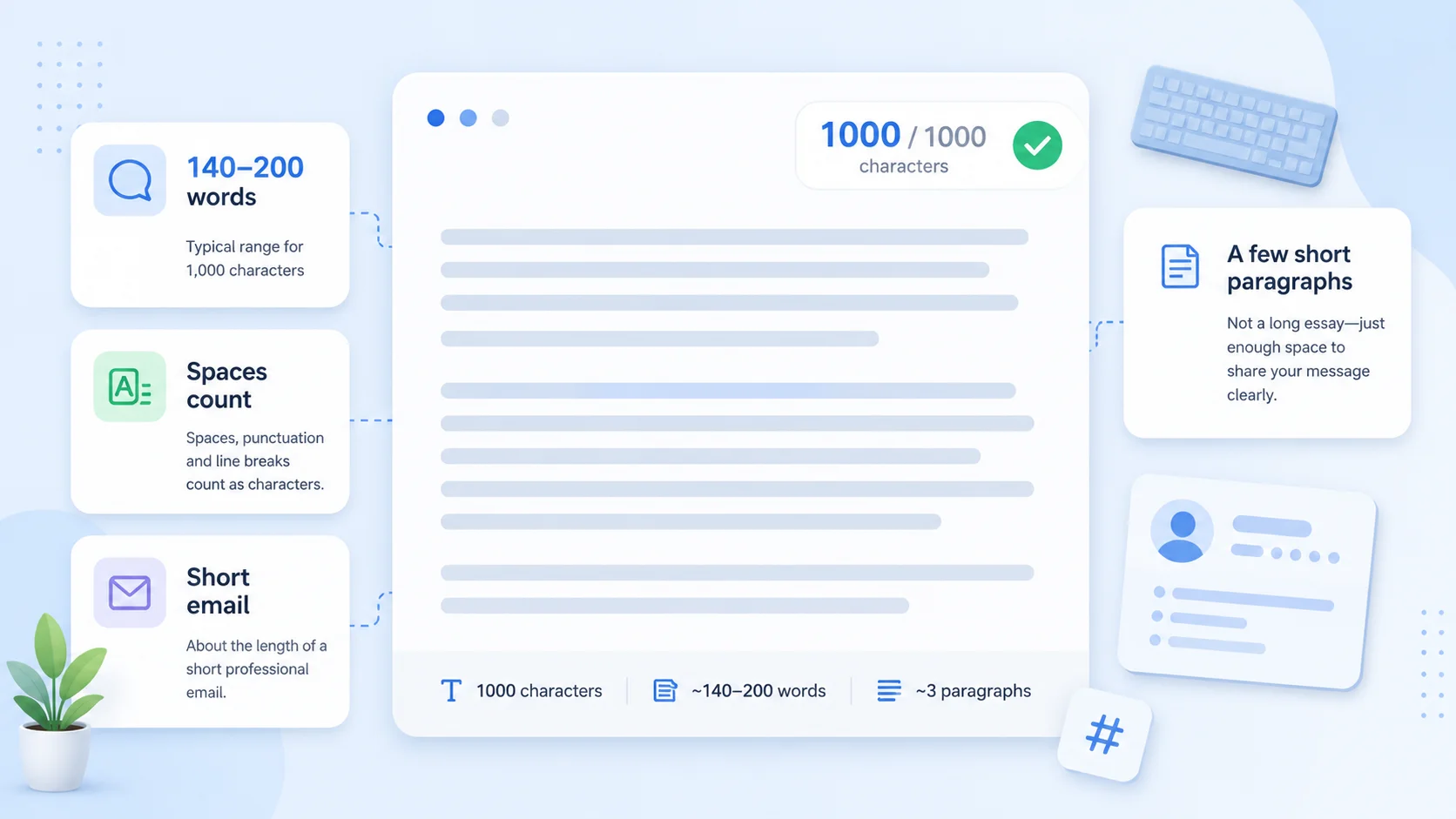
The key facts at a glance
- 1,000 characters is usually about 140 to 200 words, depending on average word length
- It looks like one short email, a few focused paragraphs, or a medium-length profile bio
- Spaces and punctuation usually count toward the character limit
- Exact word count varies with writing style — shorter words fit more words in the same space
- Use a character counter to check your exact count before submitting
What does 1000 characters look like? In most everyday writing, 1,000 characters is about 140 to 200 words — roughly the length of a short email, a focused paragraph or two, or a medium-length social media bio. Spaces, punctuation, and line breaks generally count, so the exact word count depends on how you write.
This guide shows you concrete visual examples of 1,000 characters so you know exactly how much space you are working with before you start typing.
Quick Answer: 1,000 Characters to Words
| Counting method | Approximate word count |
|---|---|
| 1,000 characters with spaces | ~140–170 words |
| 1,000 characters without spaces | ~170–200 words |
These are estimates. The actual word count depends on:
- Average word length — short, common words (like “the”, “is”, “in”) mean more words per character; longer technical or professional terms mean fewer
- Punctuation density — commas, periods, and other marks each take up one character
- Spaces — if the platform counts spaces, each space between words costs one character from your budget
A quick rule of thumb: at typical everyday English writing, 1,000 characters with spaces is around 160 words.
Visual Examples of 1,000 Characters
Example 1: 1,000 Characters With Spaces
The block below is exactly 1,000 characters including spaces (verified: 1,000 characters, 828 non-space characters, 173 words).
When you are asked to enter a response in a 1,000-character field, it is useful to have a feel for how much that is before you start writing. The block of text you are reading right now is a close illustration. Written in plain, conversational English, with short-to-medium sentences and no padding, it gives you a realistic sense of the space available. You will notice it fills only a few short paragraphs — not a lot of room, but enough for a focused answer. In practice, 1,000 characters with spaces is enough to introduce a topic, provide a brief supporting detail, and close with a clear point. That structure works well for application questions, profile bios, and short review fields. Every space, comma, and full stop counts toward the total, so the exact word count varies with your writing style. Shorter words mean more fit. Longer, technical terms reduce the count for the same character budget. Aim to use it well: state one clear point, support it briefly, and keep the language plain.
That is three short paragraphs. Not a lot of space — but enough for a focused, well-structured answer.
Example 2: 1,000 Characters Without Spaces
Some platforms count characters excluding spaces. In that case, 1,000 characters without spaces is roughly equivalent to 1,100–1,200 characters with spaces, or around 180–200 words.
The block below has approximately 1,000 non-space characters (verified: 1,161 total characters, 978 non-space characters, 184 words):
Sarah Chen is a product designer with seven years of experience creating digital tools for fintech and healthcare companies. She leads design from discovery through to delivery — running user research, facilitating workshops, creating prototypes, and working closely with engineering teams to ship polished, well-tested products. Her focus is on making complex processes feel simple for the people who use them every day. Sarah holds a degree in Human-Computer Interaction and has spoken at regional design events across the UK. She has worked on products used by over two million people and has mentored six junior designers into more senior roles over the past four years. She contributes to two open-source accessibility projects and regularly writes about inclusive design on her personal blog, which attracts several thousand monthly readers. Outside of work, she volunteers with a coding programme for teenagers in her city and helps run a small design reading group. She is currently open to senior and lead IC roles at product-led companies where design has a genuine seat at the table and accessibility is treated as a core requirement, not a footnote.
Notice how this feels noticeably longer than Example 1 — because 1,000 non-space characters requires more total text than 1,000 characters with spaces.
Example 3: Social Media or Profile Example
Here is what 1,000 characters looks like as a personal profile bio — the kind of text you might write for a job application, a portfolio site, a conference speaker page, or an extended social media description.
The block below is exactly 1,000 characters including spaces (verified: 1,000 characters, 842 non-space characters, 159 words):
Hi, I am Jamie Walsh. I am a communications strategist and writer with ten years of experience helping organisations say what they mean, clearly and without jargon. I have worked with charities, public sector teams, and early-stage start-ups on campaigns, reports, websites, and internal communications. My background is in journalism, which means I write for readers first and search engines second. I care deeply about plain language, honest messaging, and making complex information accessible to people who are not already specialists in the subject. Outside of work, I run a small newsletter about urban planning and local government that has grown to around four thousand subscribers over the past three years. I am based in Bristol and open to remote and hybrid work across the UK. I am always happy to talk about writing, content strategy, or the surprisingly interesting world of local democracy. When I am not writing, I run short communication workshops for small charities and nonprofits.
That covers an introduction, professional background, personal interest, and a closing note — in under 160 words.
Do Spaces Count Toward a 1,000-Character Limit?
Usually yes — most platforms and form fields count every character in your text, including spaces, punctuation, and line breaks.
This matters because spaces are common. In a typical 160-word piece of text, around 15–20% of the total characters are spaces. If a 1,000-character limit counts spaces, you effectively have around 800–850 characters of actual letter and punctuation content.
Some platforms specify “characters excluding spaces” or “characters without spaces.” If the form or platform does not specify, assume spaces count. For more detail on how different platforms handle this, see: Do Spaces Count as Characters?
Line breaks also generally count as one character each. If you are writing across multiple lines or paragraphs, each line break in your text is using one character from your budget. Removing unnecessary blank lines can recover a few characters before you submit.
Where Will You See a 1,000-Character Limit?
A 1,000-character limit is common across many platforms and form types:
- Job application forms — many online application portals limit individual question answers to 1,000 characters or similar short limits
- Grant and funding applications — government and charitable grant forms often cap individual field answers at 500–1,500 characters
- Review and feedback forms — product reviews, customer feedback tools, and NPS platforms frequently use 500–1,000 character limits
- LinkedIn “About” section short prompts — some LinkedIn prompts and messaging fields have per-field character limits; see the LinkedIn character limit guide for the full breakdown
- Profile bios on portfolio and directory sites — speaker pages, freelancer directories, and professional networks often cap bios at 500–1,500 characters
- App store descriptions (short descriptions) — short description fields in the Google Play Store are capped at 80 characters; full descriptions are capped at 4,000 characters — but developer notes, changelogs, and review responses often use shorter limits
- SMS messages — 1,000 characters is roughly six standard SMS segments of 160 characters each, though actual segmentation depends on encoding. See the SMS character limit guide for how segmentation works
For social media platforms — X/Twitter, Instagram, LinkedIn posts, YouTube descriptions — the character limits vary widely by platform and content type. The TextLimits social media character counter shows the limit for each platform in real time as you type.
How to Check Your Exact Character Count
The most reliable way to know whether your text is within a 1,000-character limit is to paste it into a live character counter and read the number directly.
Use the TextLimits character counter — paste your text and see the exact character count with spaces, character count without spaces, word count, and reading time, all updating live as you type. Your text stays entirely in your browser and is never stored or sent anywhere.
If you are writing for a specific platform like LinkedIn, X, or an SMS campaign, the social media character counter shows your count against the exact limit for each platform, so you can see at a glance whether you are over or under before you copy and paste.
Practical tips before you submit:
- Paste first, then count — write your answer in a text editor, paste into the character counter, and check the count before copying to the form
- Check whether spaces count — look for a note on the form or platform; if it says “characters” without qualification, assume spaces count
- Trim trailing spaces and blank lines — easy to miss after copy-pasting; the TextLimits text cleaner can strip extra whitespace before you count
- Recount after editing — if you make changes, check the count again; one extra sentence can push you over the limit
If you are over the limit and need to cut, see the full guide on how to fit text into a character limit — including before/after examples and a checklist of what to remove first.
FAQ
How many words is 1,000 characters? Approximately 140 to 200 words, depending on your average word length and how many spaces and punctuation marks you use. In typical everyday English writing with spaces counted, 1,000 characters is usually around 150 to 170 words. Shorter, simpler words fit more into the same character budget than longer, technical ones.
Do spaces count in a 1,000-character limit? Usually yes. Most form fields and platforms count every character including spaces, punctuation, and line breaks. If the platform specifies “characters excluding spaces,” the limit covers only letters, digits, and punctuation. When in doubt, assume spaces count. See: Do Spaces Count as Characters?
What does a 1,000-character limit look like? About two or three short paragraphs of natural prose, a medium-length profile bio, a short email, or a focused answer to a single application question. It is not a lot of space — enough for one clear idea, briefly supported. The visual examples above show exactly what it looks like in different writing styles.
Are 1,000 characters and 1,000 words the same? No — they are very different. 1,000 characters is around 150–170 words. 1,000 words is around 5,500–7,000 characters, depending on formatting. A character is a single letter, space, digit, or punctuation mark. A word is a group of characters separated by spaces.
How do I check if my text is under 1,000 characters? Paste it into the TextLimits character counter. The character count updates live as you type or paste, so you can see exactly how many characters you have used and how many remain before the limit. The counter shows both the count with spaces and the count without spaces.
Do line breaks count as characters? Yes, in most cases. A line break — whether from pressing Enter or from paragraph spacing — counts as one character. If you are close to a character limit, removing unnecessary blank lines between paragraphs can recover a few characters.
Is 1,000 characters enough for a bio or application answer? It depends on the question and what you need to cover. For a personal bio, 1,000 characters is enough for a confident introduction, one or two lines of relevant background, and a closing note — as shown in Example 3 above. For a detailed application question, it is enough for one focused argument with brief supporting evidence. It is not enough for a long narrative answer or a heavily detailed case. If 1,000 characters feels tight, prioritise your single strongest point and cut everything else.
Try it free
Check your character count free
Paste your text into the TextLimits character counter to see your exact character count, including and excluding spaces, updating live as you type.
Check your character count free →