
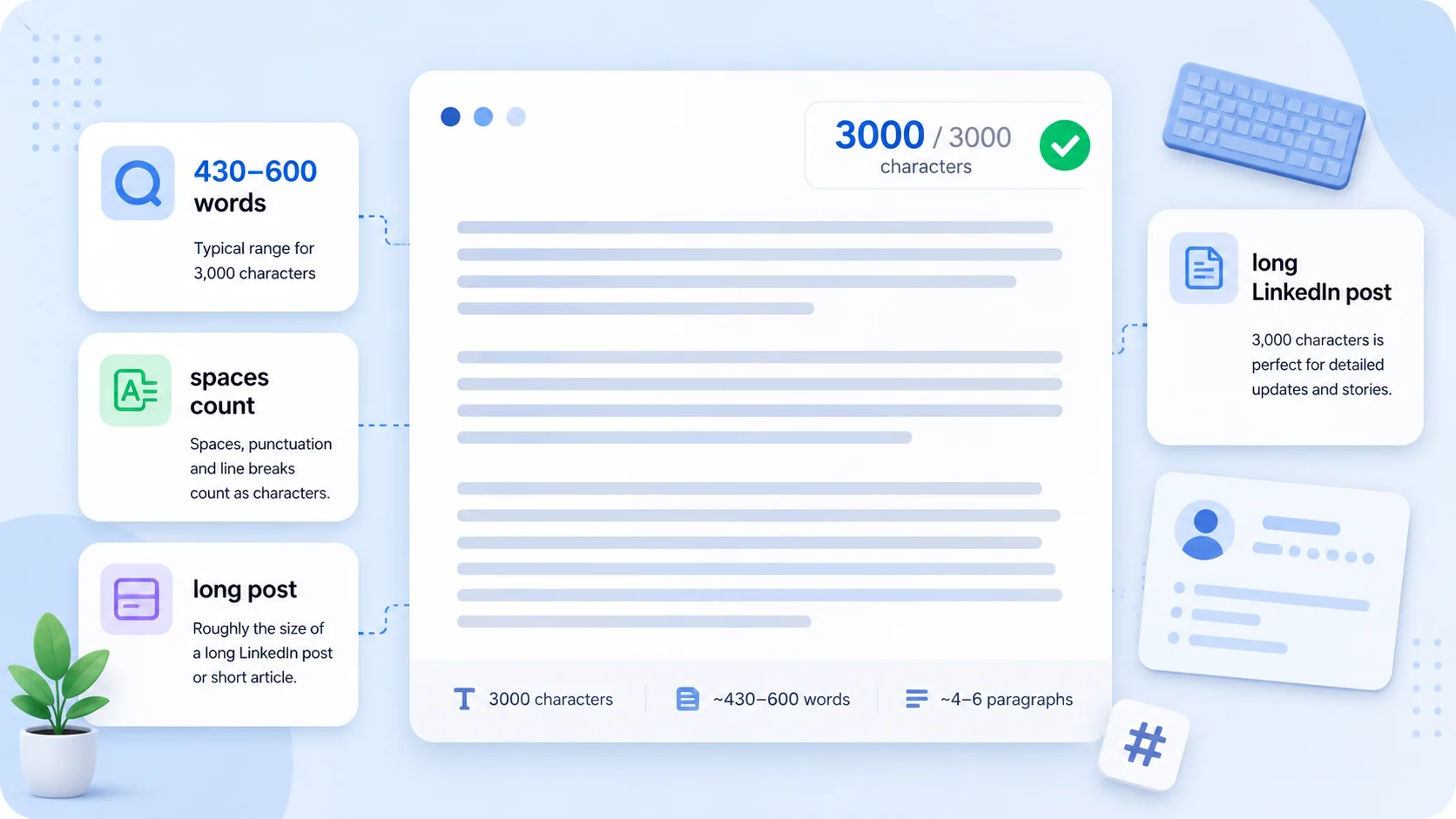
The key facts at a glance
- 3,000 characters is usually about 430 to 600 words depending on average word length
- Spaces, punctuation, and line breaks usually count toward the limit
- It is roughly three times a 1,000-character block
- It looks like a long LinkedIn post, a detailed application answer, or several focused paragraphs
- Exact word count varies — check your draft with a character counter before submitting
How many words is 3000 characters? In typical everyday English prose, 3,000 characters is usually about 430 to 600 words, depending on how you write. Spaces, punctuation, and line breaks generally count toward the limit, so the exact figure varies with word length, punctuation density, and formatting.
This guide shows you what 3,000 characters looks like, where you are likely to encounter this limit, and how to check your exact count before you submit.
Quick Answer: 3,000 Characters to Words
| Counting method | Approximate word count |
|---|---|
| 3,000 characters with spaces | ~430–500 words |
| 3,000 characters without spaces | ~500–600 words |
These are estimates for typical English prose. The actual word count depends on:
- Average word length — short common words (“the”, “is”, “in”) pack more words into the same character budget; longer professional or technical terms reduce the count
- Punctuation density — commas, periods, dashes, and other marks each consume one character
- Spaces — if the platform counts spaces, each gap between words costs one character from your budget
- Line breaks — pressing Enter/Return generally counts as one character
A useful frame: 3,000 characters is approximately three times a 1,000-character block. If you know what 1,000 characters looks like, multiply by three.
Visualizing a 3,000-Character Limit
Example 1: 3,000 Characters With Spaces
The block below is approximately 3,000 characters including spaces (verified: 2,888 characters, 483 words):
When you are given a 3,000-character limit, it helps to know what that looks like before you start writing. The block of text you are reading right now is a practical illustration. Written in plain, conversational English, with short-to-medium sentences and no padding, it gives you a realistic feel for the space available at this length. You will notice it covers several paragraphs — more room than a 1,000-character limit, but still not unlimited. In practice, 3,000 characters with spaces is enough to cover a topic in some depth: introduce an idea, work through two or three supporting points, add a brief example, and close with a clear takeaway. That structure works well for a long LinkedIn post, a detailed answer to an application question, a professional bio, or an abstract for an academic paper. Every space, comma, and full stop counts toward the total, so the exact word count varies with your writing style. Shorter, more common words mean more of them fit into the same character budget. Longer, technical terms reduce the word count for the same number of characters. In typical everyday English prose, you can expect 3,000 characters with spaces to hold somewhere between 430 and 600 words. The exact figure depends on sentence structure, punctuation density, and average word length. A more formal or technical piece will sit toward the lower end; a conversational piece with short common words will sit toward the higher end. The examples in this guide give you a concrete reference point for each scenario. Keep in mind that some fields or platforms specify characters without spaces, which produces a meaningfully different limit. A 3,000-character field that excludes spaces allows significantly more visible content than one that includes them — usually around 400 to 600 additional characters of letters and punctuation, depending on the length of your words. If the platform does not specify, assume spaces count. When you are close to a character limit, it is always worth checking the exact character count against the specific requirement rather than relying on an estimate. Paste your draft into a live character counter, read the number directly, and trim or expand until you hit the target. Being precise about character count is not pedantic — it is the difference between a submission that is accepted and one that is cut off or rejected at the form validation step. The most reliable way to check is to paste your text into the TextLimits character counter, which shows both the count with spaces and without spaces, updating live as you type or edit.
That is roughly five to six short paragraphs in conversational English — enough for a focused piece of writing but not a long one.
Example 2: 3,000 Characters Without Spaces
Some platforms — academic journals, grant forms, institutional submission systems — count characters excluding spaces. In that case, 3,000 characters without spaces is roughly equivalent to 3,500–3,600 total characters, or around 490–530 words.
The block below has approximately 3,000 non-space characters (verified: 3,050 non-space characters, 3,559 total characters, approximately 510 words):
Alexandra Chen is a senior product manager with over a decade of experience building digital products in financial services, health technology, and enterprise software. She has led cross-functional teams of up to twenty people across product, engineering, design, and data science, taking products from early concept through to global release. Her approach to product management is grounded in continuous discovery — she runs regular user research, maintains close relationships with key customers, and uses quantitative data to validate decisions rather than justify them after the fact. Alexandra has worked across the full product lifecycle, from defining strategy and writing product requirements documents, to managing backlogs, facilitating sprint planning, reviewing technical architectures, and presenting business cases to executive stakeholders and board members. She has a strong commercial instinct and has contributed directly to pricing decisions, market positioning, and partnership strategy at two of her previous employers. She holds a degree in Computer Science from the University of Edinburgh and an MBA from London Business School, where she focused on strategy and organisational behaviour. Alexandra is a regular contributor to several product management communities and has written extensively about discovery frameworks, prioritisation under uncertainty, and building inclusive product teams where diverse perspectives lead to consistently stronger outcomes. Outside of work, she mentors three junior product managers through a formal mentorship programme and volunteers with a registered charity that supports young women entering careers in technology and engineering. She is fluent in English and Mandarin and has significant experience managing distributed teams across Europe, North America, and Asia Pacific. Alexandra is currently seeking a VP of Product or Chief Product Officer role at a mission-driven company operating in a regulated industry, where rigorous thinking, strong stakeholder management, and a genuine commitment to building products that truly serve users are valued as core strategic assets rather than secondary concerns. She brings to any organisation a demonstrable track record of shipping products on time and within budget while maintaining high standards of quality and user experience, and a leadership style that prioritises psychological safety, clear communication, and shared accountability for outcomes at every level of the team. She has received formal recognition from two industry bodies for her contributions to product leadership and inclusive hiring practices, and has spoken at regional product management conferences across the United Kingdom and Europe on topics including continuous discovery, team structure, and ethical product development. Alexandra believes firmly that the best products are built by teams that deeply understand the people they are building for, and that sustainable long-term growth comes from solving real problems rather than optimising short-term metrics at the expense of user trust. She is open to conversations with executive search firms and talent acquisition teams, and asks that any speculative outreach include a brief description of the company, the role, the product domain, and the stage the business is at, so that she can respond meaningfully and quickly to each enquiry. References are available from previous senior stakeholders, direct reports, and cross-functional partners, and can be arranged at the appropriate stage of any hiring process.
Notice how this example is visibly longer than Example 1 — because 3,000 non-space characters requires significantly more total text than 3,000 characters with spaces.
Where Do You See a 3,000-Character Limit?
LinkedIn Posts
LinkedIn limits posts to 3,000 characters. That is the most common place people encounter this specific limit, and it is one of the longer character limits on any major social platform.
At 3,000 characters, a LinkedIn post can comfortably cover:
- A professional story or career reflection
- A detailed case study or lesson learned
- A longer opinion piece or industry commentary
- A multi-step how-to or explainer
In practice, most high-performing LinkedIn posts run between 1,000 and 2,500 characters — you rarely need the full 3,000. But knowing the ceiling helps when you are close to it. The TextLimits social media character counter shows your LinkedIn character count in real time as you type, so you can see exactly where you stand before copying and pasting.
For a full breakdown of LinkedIn’s character limits across posts, headlines, summaries, and messages, see the LinkedIn character limit guide.
Applications and Forms
A 3,000-character limit also appears in online application forms, grant submissions, and institutional portals:
- Job application forms — some applicant tracking systems cap individual question answers at 3,000 characters
- Grant and funding applications — 3,000-character fields are common for project descriptions and impact summaries
- Academic conference and journal submissions — abstract and summary fields often run 500–3,000 characters
- Profile and bio fields — extended bio sections on professional networks, directories, and speaker pages sometimes allow up to 3,000 characters
If the form does not specify whether spaces count, assume they do. If you need your answer to fit within 3,000 characters, always paste your draft into a character counter before submitting — form field limits are enforced at submission and can silently truncate your response or block you from continuing.
Do Spaces and Line Breaks Count?
Usually yes. Most platforms and form fields count every character including spaces, punctuation, and line breaks toward the limit. This is the case for LinkedIn posts and for the majority of online forms.
Spaces — each gap between words counts as one character. In a typical 3,000-character block of conversational prose, roughly 15–20% of the total is spaces — around 450–600 characters going to whitespace rather than visible content.
Line breaks — pressing Enter or Return in a text field inserts a line break character that generally counts as one character. If you are structuring your text with multiple paragraphs, each line break uses one character from your budget.
Punctuation — every comma, period, dash, and apostrophe counts as one character.
Some systems — academic journals, certain grant platforms — specify “characters excluding spaces.” If the form says this, the 3,000-character limit covers only your letters, digits, and punctuation. When no qualification is given, assume spaces are included.
For more detail on how different platforms handle spaces, see: Do Spaces Count as Characters?
How to Check Your Exact Character Count
The most reliable way to know whether your text is within 3,000 characters is to paste it into a live character counter and read the number directly.
Use the TextLimits character counter — paste your text and see the exact character count with spaces, character count without spaces, and word count, all updating live as you type. Your text stays entirely in your browser and is never stored or sent anywhere.
If you are writing a LinkedIn post, the social media character counter shows your count against LinkedIn’s 3,000-character limit in real time, alongside limits for X, Instagram, and other platforms.
Practical tips:
- Paste your draft first, then count — write in a plain text editor and paste into the counter to check
- Check whether the form counts spaces — look for a note on the field or platform; if not specified, assume spaces count
- Trim trailing spaces and blank lines before your final count — these are easy to accumulate after copy-pasting
- Recount after any edits — even small changes can push you over the limit
Need to count words first? The free word counter shows word count, character count, and reading time together.
If you need to make text shorter to fit a 3,000-character field, see the guide on how to reduce character count — practical edits you can make without losing your message.
Need a bigger limit? See: how many words is 4,000 characters — the same breakdown for the next common limit up.
FAQ
How many words is 3,000 characters? Usually about 430 to 600 words, depending on average word length, punctuation, and whether spaces are counted. In typical conversational English with spaces counted, a 3,000-character block tends to hold around 430–500 words. In more formal or technical writing with longer words, it is often closer to the lower end.
Do spaces count in a 3,000-character limit? Usually yes. Most platforms and forms count spaces as characters. LinkedIn posts, online application forms, and most web fields include spaces in the character count. If the form specifies “characters excluding spaces,” only letters, digits, and punctuation count toward the limit. When no qualification is given, assume spaces are included. See: Do Spaces Count as Characters?
How many paragraphs is 3,000 characters? At a typical paragraph length of 100–150 words (roughly 600–900 characters with spaces), 3,000 characters holds around 3 to 5 paragraphs of solid prose. If you write shorter paragraphs or use frequent line breaks, the same character count may cover more paragraphs — but each line break uses one character.
Is 3,000 characters enough for a short article? It is at the lower end of what most people would call an article. A 3,000-character block of prose is roughly 430–500 words — enough for a focused blog post introduction, a detailed LinkedIn post, or a short op-ed opinion piece. A typical blog article runs 800–1,500 words, which is 5,000–10,000 characters. 3,000 characters is better thought of as a long post or short structured response rather than a full article.
How long does it take to read 3,000 characters? At an average adult reading speed of around 200–250 words per minute, and with 3,000 characters containing approximately 430–500 words, the reading time is roughly 2 minutes. A faster reader may get through it in 90 seconds; a slower or more careful reader might take 3 minutes.
How do I check if my text is exactly 3,000 characters? Paste your text into the TextLimits character counter. The count updates live as you type or paste, showing both characters with spaces and characters without spaces. You can trim or expand your draft until the count reaches exactly 3,000. For LinkedIn posts specifically, the social media character counter shows your count against the 3,000-character LinkedIn limit in real time.
How does 3,000 characters compare to 1,000 characters? 3,000 characters is exactly three times a 1,000-character block. A 1,000-character block holds roughly 140–200 words and looks like a short email or one to two focused paragraphs. At three times the length, 3,000 characters holds 430–600 words and looks like several paragraphs or a long social post. See what does 1,000 characters look like for a side-by-side reference.
Try it free
Check your character count free
Paste your text into the TextLimits character counter to see your exact character count with spaces, without spaces, and word count — all updating live.
Check your character count free →